
Bill of Materials Software for Small-Batch Makers: What to Look For
Bill of materials (BOM) software is a tool that records every ingredient or component that goes into a finished product, calculates the total material cost per unit, and automatically updates inventory when production is logged. A bill of materials is just a recipe with cost math attached. If you make soap, candles, skincare, baked goods, or any product built from raw materials, you already have one. The question is whether your software knows it too.
This guide covers what bill of materials software actually does, why most of it is built for the wrong audience, and what small-batch makers should look for before committing to a tool.
What Bill of Materials Software Does (In Plain Terms)
At its core, BOM software tracks what goes into each product you make. You enter your formula once. The software handles everything that flows from it: material costs, inventory consumption, production planning, and cost per unit.
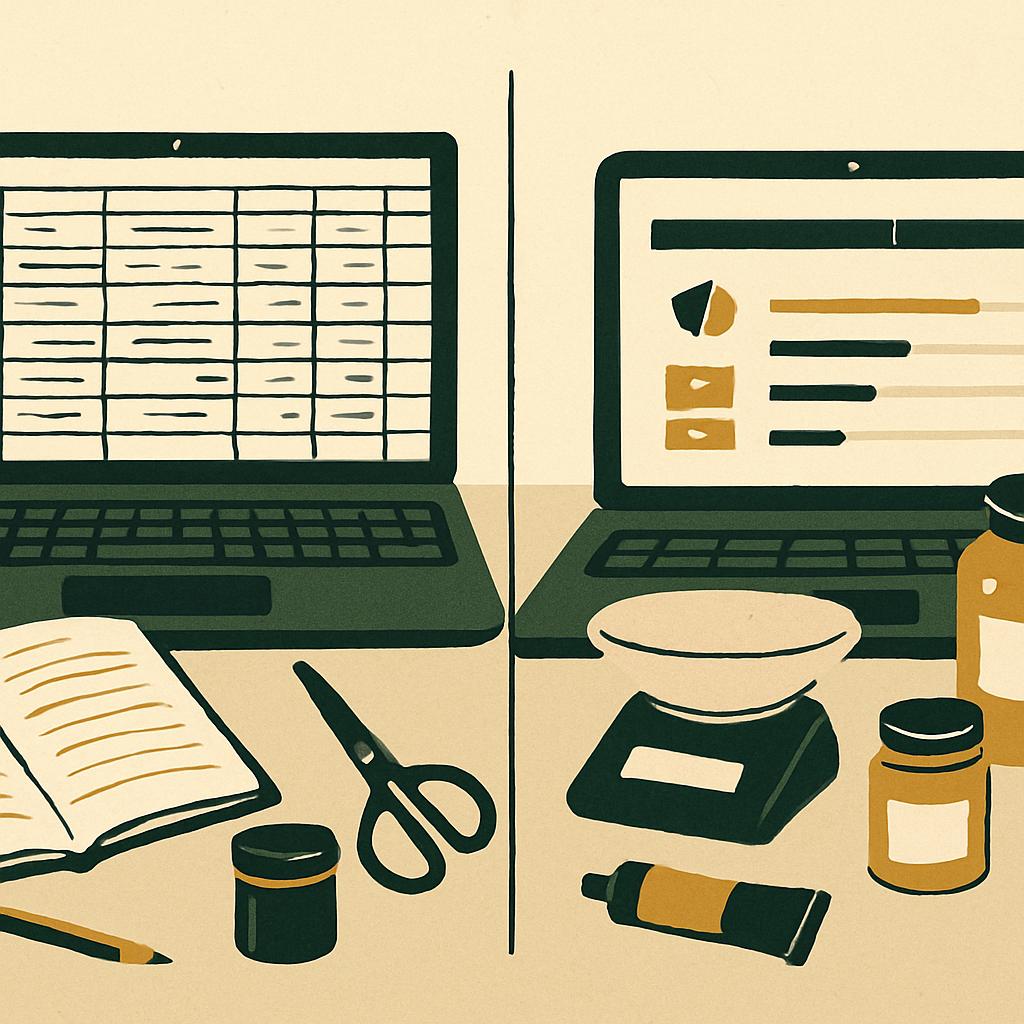
Without dedicated software, most makers piece this together manually. A recipe lives in a notebook or Google Doc. A spreadsheet tracks materials. A separate app or platform manages orders. None of them talk to each other.
The result is that you are the connection point between all of them. Every time you fulfill an order, you manually check stock. Every time you run a production batch, you manually subtract materials. Every time you restock, you manually update your spreadsheet.
BOM software closes that loop. When an order comes in, the system knows what materials were consumed. When you run a batch, it knows what to subtract. When stock gets low, it tells you before you run out.
The underlying logic is the same whether you are making 20 units per week or 2,000. What changes is the software built to handle it.
Why Most BOM Software Is Not Built for You
Search for bill of materials software and most BOM software listings are aimed at electronics manufacturers, engineering firms, or discrete parts assembly. If you make lip balm in your kitchen or candles in your garage, that framing does not match your reality. And it is not just cosmetic. The features, pricing, and terminology reflect a fundamentally different kind of operation.
Enterprise BOM software is typically:
Priced for teams, not solo makers or small studios
Built around SKUs and part numbers rather than recipes and formulas
Focused on production scheduling rather than cost-per-unit profitability
Disconnected from the sales channels makers actually use (Etsy, Shopify, Amazon, Faire)
Small-batch makers need something that understands a bar of soap has six ingredients, each with a cost per gram, and that knowing the total cost per bar is the whole point. That is a different product category, even if the underlying concept is the same.
What Small-Batch BOM Software Should Actually Do
Before evaluating any tool, it helps to know what the right features look like for a maker-scale operation. Here is what matters.
Recipe-based product definitions
You should be able to define each product by its formula: ingredient name, quantity, and unit of measure. The software should handle the unit conversions automatically, so you can enter a recipe in grams but track your raw materials in kilograms without doing the math yourself.
This is not complicated in concept. It is just rarely implemented well for small-batch contexts, where recipes might have 4 ingredients or 40, and where those ingredients overlap across dozens of finished products.
Automatic cost calculation
Once your recipe is entered, the software should calculate cost per unit without you touching a formula. That means pulling the current cost of each ingredient, applying the quantity used in each product, and surfacing a total material cost per finished item.
This matters because most makers underestimate their true product cost. When you are buying a kilogram of shea butter and using 15 grams per bar, the math is easy to miscalculate or round off. BOM software catches those errors at scale.
For a deeper look at how to work through this calculation, the post on how to cost handmade products from your recipe walks through the full process.
Inventory deduction on production
When you log a production run — say, 50 bars of soap — the software should automatically subtract the correct amount of each ingredient from your raw materials inventory. Not manually. Not with a separate step. Automatically, based on the recipe you already entered.
This is where most spreadsheet setups break down. The recipe exists in one place and the inventory exists in another, and keeping them in sync requires manual effort every single time you make something.
Low-stock alerts tied to what you actually make
Generic low-stock alerts tell you when a material falls below a threshold. Good BOM software goes further: it can tell you whether your current stock is enough to fulfill your open orders and planned production runs.
That is a meaningful difference. Knowing you have 800 grams of lavender essential oil is less useful than knowing that your open orders require 950 grams to fulfill.
Multi-channel sales integration
If you sell on more than one platform, your finished goods inventory needs to stay in sync across all of them. BOM software that handles production planning but ignores your Etsy and Shopify listings is solving half the problem.
Look for a tool that pushes stock updates to your sales channels automatically when your finished goods inventory changes. This eliminates overselling and removes the manual update step that compounds every time you run a batch.
Tired of BOM software that thinks you have a procurement team?
Try the free BOM calculator →How a BOM Works in Practice for a Small-Batch Maker
Here is a concrete example using a simple product: a 4 oz beeswax candle.
Ingredients per unit:
Beeswax 112g @ $0.028/g = $3.14
Coconut oil 14g @ $0.006/g = $0.08
Fragrance oil 5g @ $0.045/g = $0.23
Cotton wick 1 unit @ $0.12/unit = $0.12
Jar (4 oz) 1 unit @ $0.65/unit = $0.65
Label 1 unit @ $0.08/unit = $0.08
Total material cost per unit: $4.30 (calculated from unrounded values; line totals shown rounded to nearest cent)
Note: ingredient costs in this example are for illustration only — your actual costs will vary by supplier and purchase volume.
Once that recipe exists in your BOM software, you do not recalculate it every time. The system knows what a candle costs. It knows what materials get consumed when you log a batch. It knows what to reorder when stock falls short of what your next production run requires.
If your ingredient costs change because beeswax prices went up, you update the material cost once and the cost-per-unit recalculates across every product that uses it. No spreadsheet hunting. No formula errors.
This is what proper BOM software looks like for a small-batch operation. It is not about complexity. It is about not repeating the same manual work every production cycle.
For makers in the baked goods space, the specific considerations around costing and recipe tracking are covered in the post on bill of materials for baked goods. And for a broader overview of BOM concepts applied to handmade products generally, the maker's guide to bills of materials is a good starting point.
How to Evaluate BOM Software for Small-Batch Production
Not every BOM tool is the same, and the differences matter at small-batch scale. Here is what to actually compare.
These five criteria are worth working through in order — the first two will eliminate most tools quickly, and the last three separate good fits from great ones.
Criterion | What to look for | Why it matters for small-batch makers |
|---|---|---|
Pricing match | Tiered plans that start at a level appropriate for solo or small operations | Enterprise pricing floors are designed for manufacturing teams, not cottage studios |
Recipe-based design | Software built explicitly for formula or recipe-based products | Tools designed for discrete parts assembly handle shea butter and fragrance oil less naturally |
Sales channel integration | Direct connections to Etsy, Shopify, or wherever you sell | Without integration, you still have to manually update finished goods inventory every time something sells |
Setup simplicity | Import tools for existing materials, products, and recipes; no technical support required | High setup complexity is a leading reason new software gets abandoned before it delivers value |
Multi-level components | Support for nested sub-assemblies such as gift sets or products built from a pre-mixed base | Not every BOM tool handles this well at small-batch scale, and gaps here cause inventory errors |
Does the pricing match your volume?
Most enterprise BOM software charges hundreds of dollars per month for features a solo maker will never use. Look for tiered pricing that starts at a level appropriate for a small or growing operation, not a floor designed for manufacturing teams.
Is it built for recipe-based products like soap or candles?
Software designed for discrete parts assembly handles things like bolts and circuit boards well. It handles shea butter, lye, and fragrance oil less naturally. Ask whether the tool is designed for formula-based or recipe-based products before you invest time setting it up.
Does it integrate with Etsy and Shopify?
A BOM tool that lives in isolation from your Etsy or Shopify store requires you to manually update finished goods inventory every time something sells or gets restocked. That is exactly the manual work you are trying to eliminate. Integrations with your actual sales channels are not a nice-to-have for multi-channel sellers.
How much setup does it require?
Some tools are built for operations with dedicated IT support. If you are a solo maker or small team, you need something you can set up in an afternoon. Look for import tools that let you bring in your existing materials, products, and recipes without starting from scratch.
In practice, setup complexity is one of the most common reasons makers abandon new software before it delivers value — the learning curve simply outlasts the motivation to push through it.
Does it handle multi-level components?
If any of your products use sub-assemblies (a gift set made from three individual products, or a product with a pre-mixed base formula), you need a tool that can handle nested components. Not every BOM tool does this well at small-batch scale.
When production records and stock levels live in separate, manually updated systems, any missed update creates a gap — and those gaps compound with every batch you run.
For makers considering a move away from spreadsheets entirely, the post on migrating from a handmade inventory spreadsheet to software covers how to make that transition without losing your existing data.
It is also worth reading through what inventory software for handmade sellers should actually include before committing to any platform. The BOM functionality matters, but it does not exist in isolation from the rest of your production and sales workflow.
Found the right criteria but still hunting for a tool that actually checks the boxes?
Create your free account →Key Takeaways
Bill of materials software tracks what goes into each product, calculates cost per unit, and deducts materials automatically when you log production runs.
Most BOM software is designed for manufacturing and engineering teams. Small-batch makers need tools built for recipe-based products at cottage and studio scale.
The features that matter most for makers are automatic cost calculation, inventory deduction on production, low-stock alerts tied to actual demand, and integration with your sales channels.
When evaluating tools, prioritize fit over features: does it match how you actually work, and can you set it up without a technical team?
Spreadsheets break down when your product count and channel count grow past a certain point. BOM software is what keeps production and inventory accurate without requiring you to be the manual link between your tools.